How Voidalis works
Track what you have, list what you have twice, and the site finds people to trade with. Here is the whole thing in five parts.
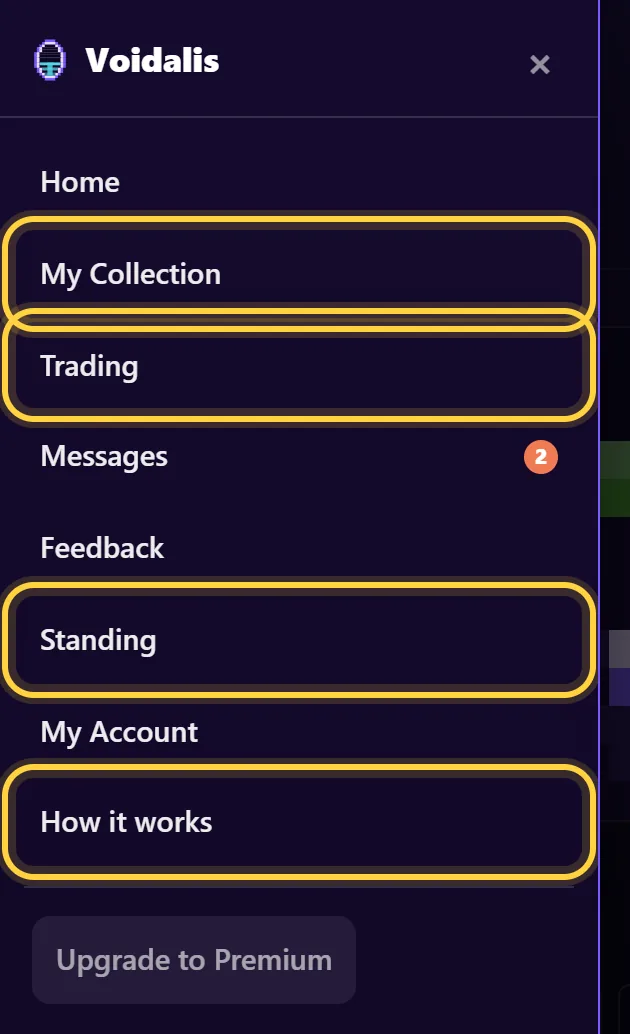
Everything below is one tap away in the menu: open it from the icon in the top-left corner.
1. Your collection
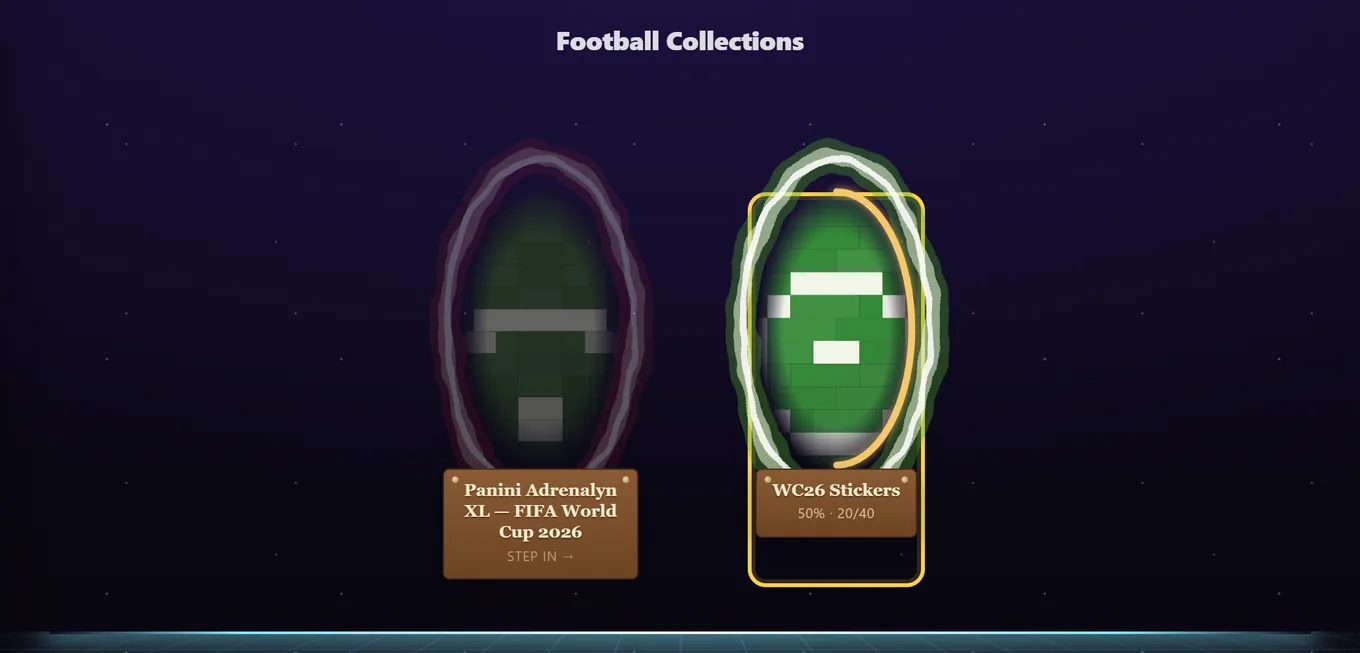
Everything starts in My Collection. Pick a collection (World Cup stickers, Superliga, Adrenalyn, Pokémon, Magic, Yu-Gi-Oh!), open a set or team, and tap the cards you have.
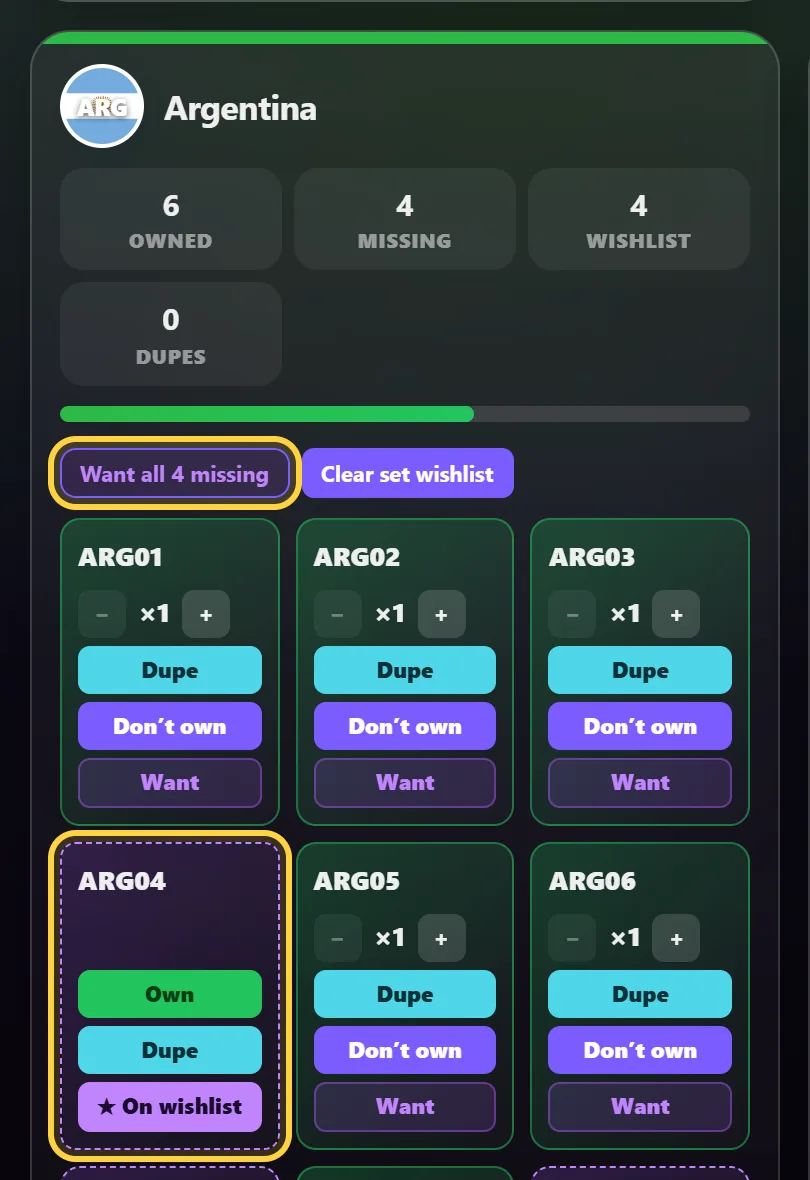
- Owned means it is in your album. If you have more than one copy, set the number of copies. Everything past the first is a spare you can trade.
- Wanted means you are looking for it. On any set, Want all missing marks every card you do not have as wanted in one go.
- Already keep a list in a spreadsheet? Import it from CSV instead of clicking through. You can export your collection the same way.
The more you mark as wanted, the more matches you get. Matching only works off what you tell it.
2. Your stall
Your stall is where your spares live. Nothing goes public on its own: you choose what to list.
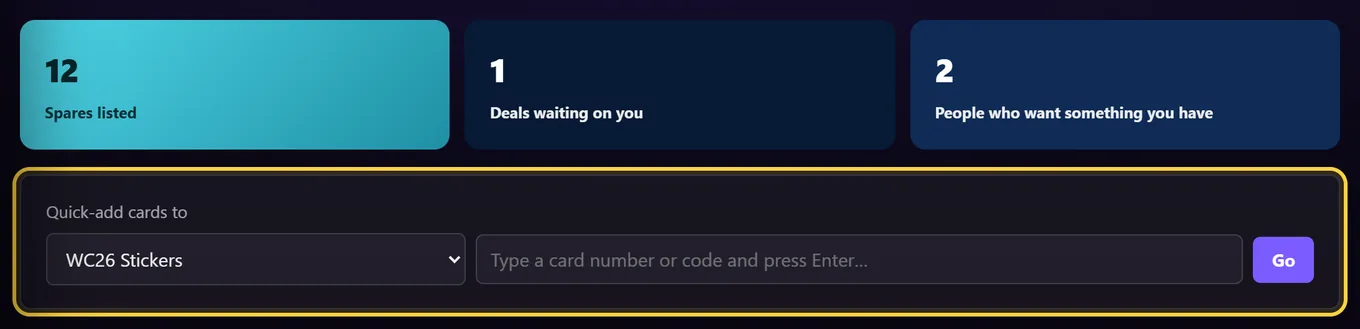
- Use quick-add: pick a collection and type card numbers or codes. It is the fastest way to enter a pile of duplicates.
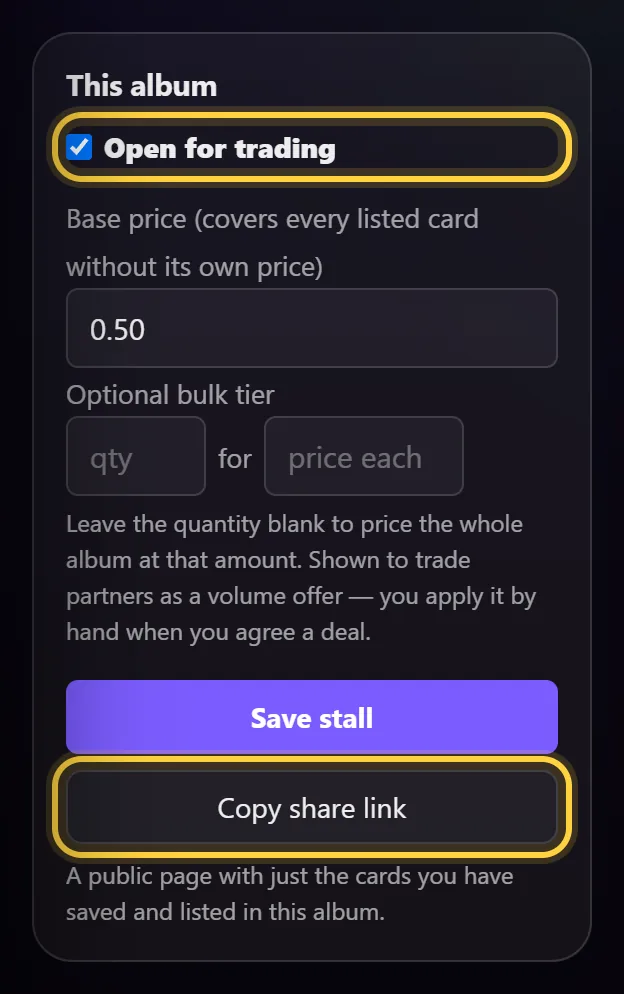
- Open the album's stall and switch on Open for trading. Until you do, nothing in that album is listed.
- Optionally set a base price for every card, a price per card, or leave it blank for swap only. A bulk tier (say, any 10 cards for a set price) shows up as a volume offer.
- Save. You get a share link to a public page with just your listed spares, handy for Facebook groups or Discord.
3. Trading
Matches lists people who have cards you want. Mutual matches come first: they have something you want and want something you have, so a swap works for both sides.
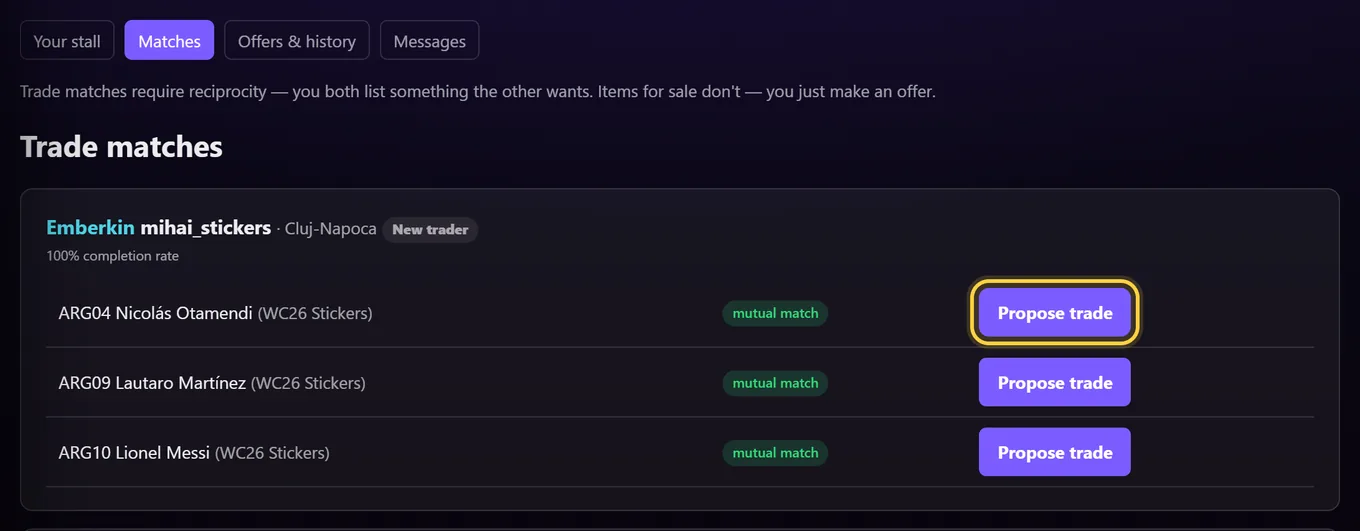
- Send an offer. Pick what you want from them and what you give back. They have 14 days to answer.
- They accept, decline or counter. A counter-offer swaps the cards around once, and you answer that.
- Accepted cards are held. Once a trade is accepted, those copies stop showing to other people. If it is cancelled or runs out (30 days), they come back.
- Meet or post, and agree the details in the trade's chat. Keep the conversation on the site, because it is the record if something goes wrong.
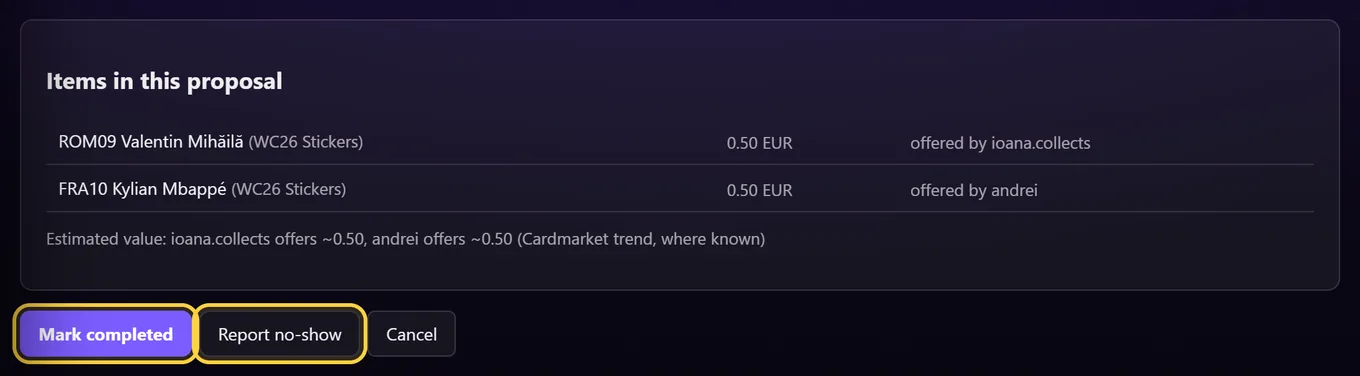
- Both confirm it happened. Then each of you leaves a short review. If the other person never showed up, report a no-show instead.
Read the trading rules before your first meet-up, especially the part about public places and under-18s.
4. Shards and Standing
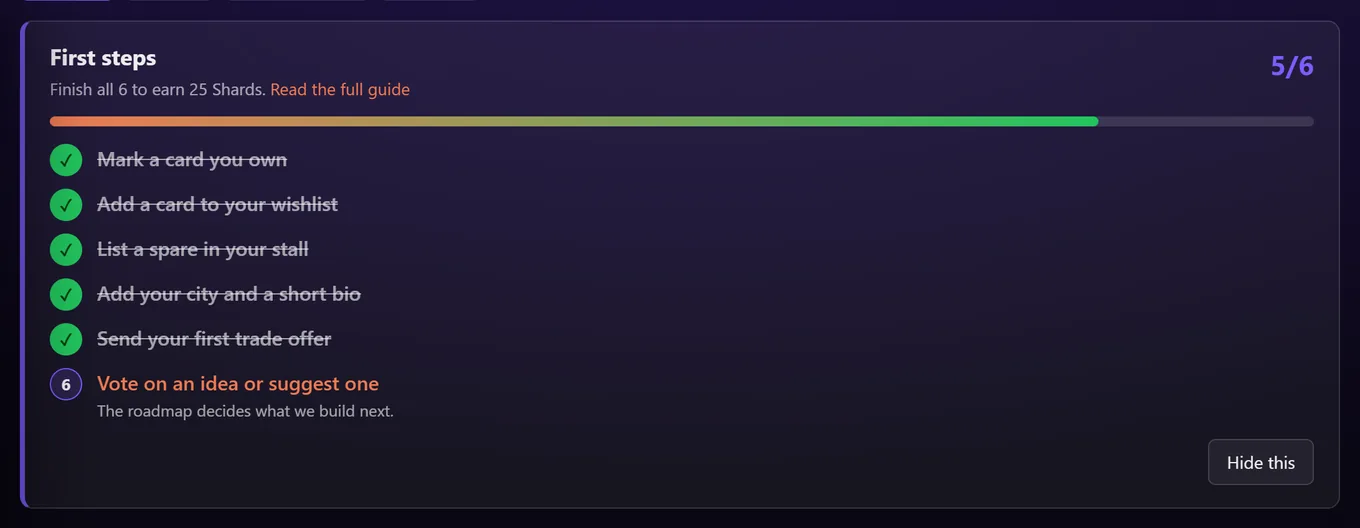
Shards are earned, never bought. You get them for real things: completing trades, leaving reviews, listing cards, finishing sets, reaching 25/50/75/100% of a collection, and helping fix the catalogue. Finishing First steps on your stall page pays 25 Shards.
- Wallet is what you can spend in the Shop on profile frames, banners and colours. Cosmetics never affect matching or visibility.
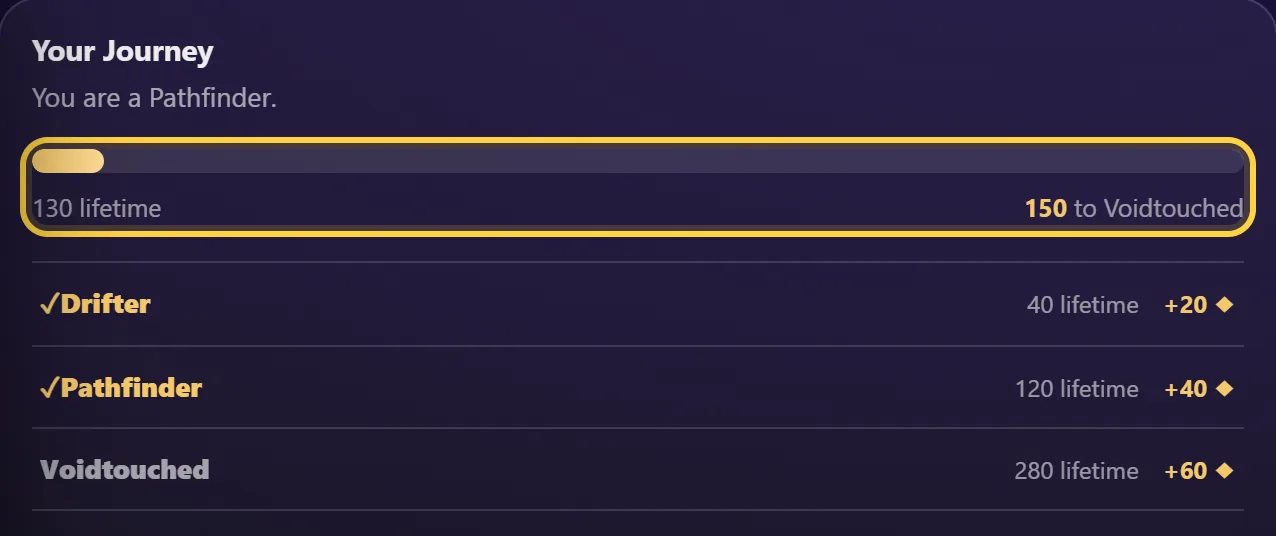
- Lifetime only goes up and moves you along the Journey, from Drifter up to Voidsinger. Each step unlocks a title.
- Achievements (Set Chaser, Wayfinder and others) unlock extra titles. Pick the one you show on Standing.
5. Community
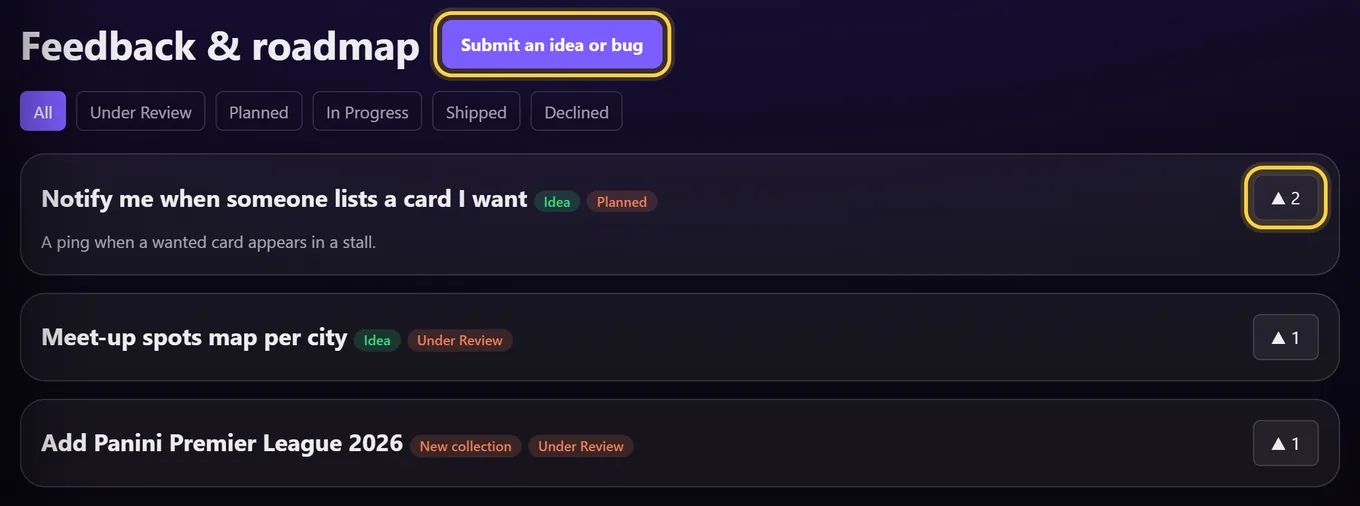
- Feedback and roadmap. Suggest ideas, report bugs and vote on what we build next. Ideas that get planned or shipped pay Shards.
- Your profile. Add your city and a short bio in My Account so people nearby can find you. Your profile card is easy to share.
- Reporting. Every listing, profile and message has a report link. Reports we act on pay Shards too.